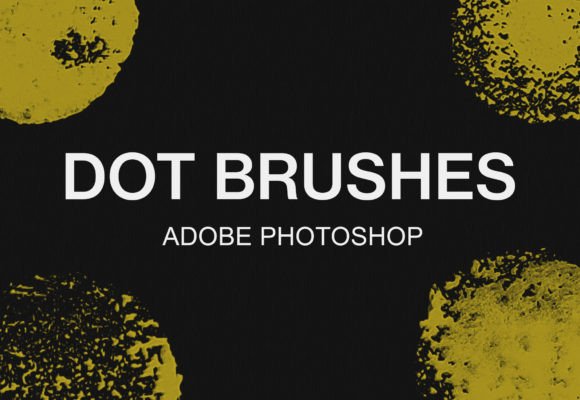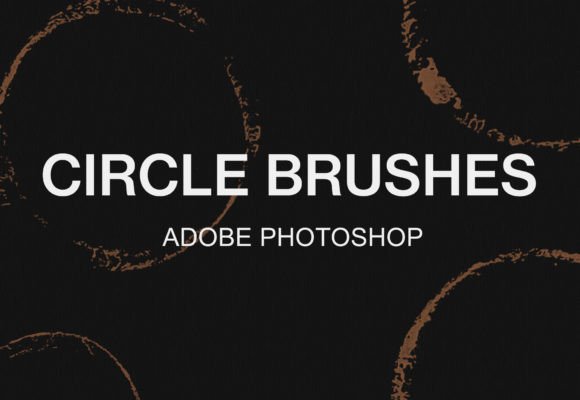
Unlock Fluid Creativity with the Photoshop Digital Circle Brushes Bundle
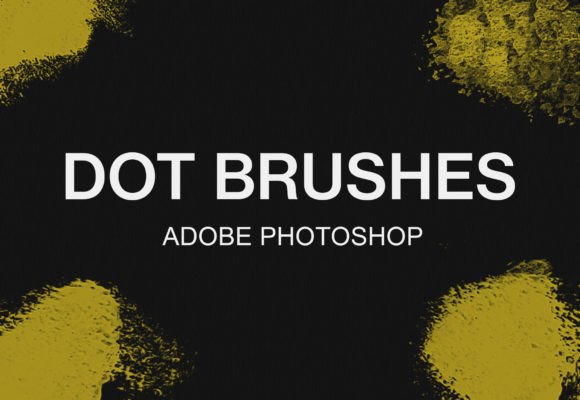
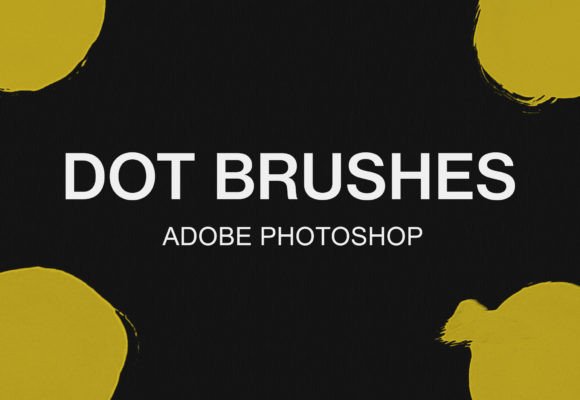
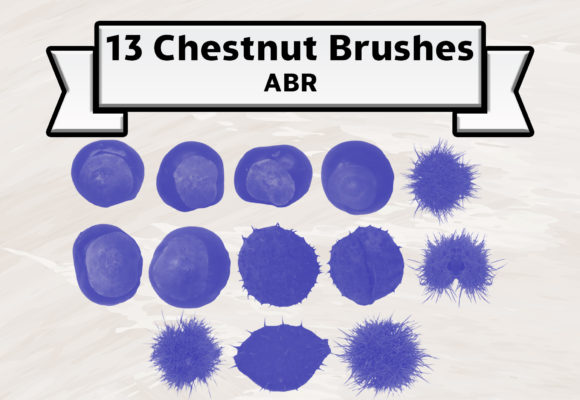
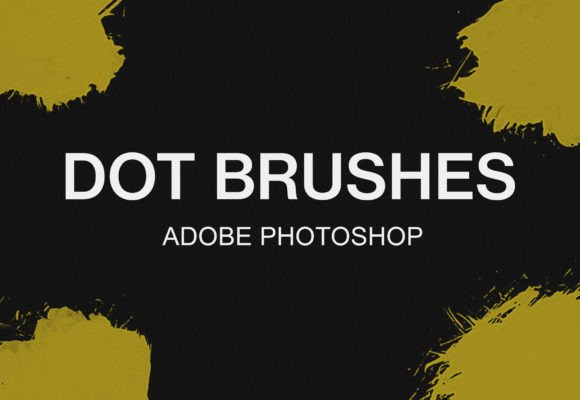
Digital art often suffers from a rigid, sterile look that screams "computer-generated." Whether you are sketching a logo concept, designing a social media graphic, or illustrating a children's book, achieving that organic, hand-painted feel can be frustratingly difficult with standard tools. This is exactly where the Photoshop Digital Circle Brushes Bundle changes the workflow. It isn't just a collection of files; it is a toolkit designed to bridge the gap between digital precision and traditional texture. Specifically tailored for artists who need versatility, this pack includes 12 distinct digital Photoshop circle brushes with a watercolor aesthetic, allowing you to introduce softness, depth, and human error into your projects instantly.
The core value of this bundle lies in its simplicity and immediate applicability. When you download the package, you receive an ABR Photoshop brush file. This format is the industry standard, ensuring compatibility not just with Adobe Photoshop, but surprisingly, with GIMP as well. For freelancers working across different operating systems or students who rely on open-source software, this cross-platform functionality is a massive time-saver. You aren't locked into a single ecosystem; you can take these tools wherever your creative process leads you.
Real-World Applications for Creators and Businesses
So, where do these brushes actually fit into a busy workday? The utility of the Photoshop Digital Circle Brushes Bundle extends far beyond fine art painting. Consider a small business owner creating content for Instagram. Flat, solid colors often get lost in a crowded feed. By using the watercolor circle brushes to create background elements or highlight key text, the post immediately gains visual interest and a handmade charm that resonates with audiences tired of overly polished corporate aesthetics.
For educators and bloggers, these brushes are invaluable for creating engaging diagrams and infographics. Imagine explaining a complex cycle or process. Instead of using sharp, geometric arrows and boxes, you can use these textured circles to map out steps, making the information feel more approachable and less intimidating. The watercolor texture softens the edges, inviting the reader to engage rather than analyze critically from a distance.
Entrepreneurs and marketers can also leverage this bundle for branding materials. A logo mark created with a digital watercolor circle suggests creativity, fluidity, and a personal touch—qualities highly valued in industries like wellness, crafts, and boutique retail. Because the bundle offers 12 variations, you aren't stuck with one look. You can choose a brush with heavy grain for a rustic feel or a smoother wash for a more elegant, modern vibe, all while maintaining a cohesive circular theme.
Seamless Integration into Your Workflow
One of the biggest barriers to trying new digital tools is the fear of a complicated installation process. Fortunately, the developers of this bundle have stripped away the friction. If you are an Adobe user, the setup is almost instantaneous. Once you have downloaded the file, simply unzip the archive. You will find the ABR file inside. In most modern versions of Photoshop, you just need to double-click that file. The application will launch automatically, and the brushes will be loaded and ready to use at the bottom of your brush panel. From download to creation takes less than a minute, allowing you to stay in your creative flow without technical interruptions.
For those utilizing GIMP, the process requires a few manual steps but remains straightforward for anyone comfortable navigating file directories. First, locate your GIMP installation folder on your local disk; this is often found within the "Program Files" directory. From there, follow the specific path: GIMP 2 > share > gimp > 2.0 > brushes. Once you have unzipped the downloaded bundle, copy the ABR file and paste it directly into this brushes folder. Upon restarting GIMP, your new watercolor circles will appear in your tool selection. This level of accessibility ensures that budget-conscious creators using free software don't miss out on high-quality textures.
Why Texture Matters in Digital Design
In a world of 4K screens and vector perfection, texture provides the soul of a design. The Photoshop Digital Circle Brushes Bundle introduces subtle imperfections that mimic real paper and pigment. When you apply these brushes, you aren't just placing a shape; you are adding a layer of tactile reality. This is crucial for hobbyists looking to sell prints on demand. Buyers often pay a premium for items that look like they were painted by hand, even if the original file was created digitally.
Furthermore, these brushes help solve the "blank canvas" paralysis. Starting a project with a few loose, textured circles can serve as a compositional anchor. Publishers and layout designers can use them to frame quotes or break up blocks of text in eBooks and magazines. The organic nature of the watercolor effect guides the eye naturally, preventing the layout from feeling too grid-like or rigid.
Considerations Before You Start
Before diving in, it is worth considering how these tools fit your specific style. While the bundle is versatile, it is specialized. If your work relies heavily on hard-edged geometric shapes for a tech-focused brand, these watercolor circles might need to be used sparingly as accent elements rather than primary structures. However, for lifestyle brands, editorial illustrations, and personal projects, they are nearly universally applicable.
It is also important to experiment with opacity and flow settings within your software. The beauty of digital watercolor brushes is their responsiveness. By lowering the opacity, you can build up layers of color, creating deep, rich tones that mimic traditional glazing techniques. Conversely, using full opacity gives you bold, statement-making stamps. Understanding that the brush is a starting point, not a final destination, allows you to manipulate the 12 included variants to suit unique project requirements.
Ultimately, the goal of any digital asset is to save time while elevating quality. This bundle achieves both by removing the need to manually craft textures or search through endless online libraries for the perfect circle stamp. Whether you are a seasoned graphic designer looking to refresh your toolkit or a beginner eager to make your first digital painting look professional, having reliable, textured tools at your fingertips makes a tangible difference in the final output.
Ready to expand your creative horizons? These brushes are just the beginning of what is possible when you combine the right tools with your imagination. For more specialized tools and resources to enhance your digital studio, we invite you to visit our shop for more brush bundles. Explore the collection, find the textures that speak to your style, and start creating work that feels as good as it looks.